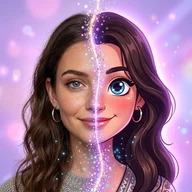
We turn computer vision into photo apps people use.
Vision Labs makes Visio, the AI photo and face editor, and FaceCast, the AI baby generator. Both run on iPhone and Android, in the languages our users speak.
- languages in Visio
- 31
- languages in FaceCast
- 11
- both apps, both stores
- iOS + Android
- founded in Ankara
- 2023


Visio · AI Photo & Face Editor
Try the look before you commit.
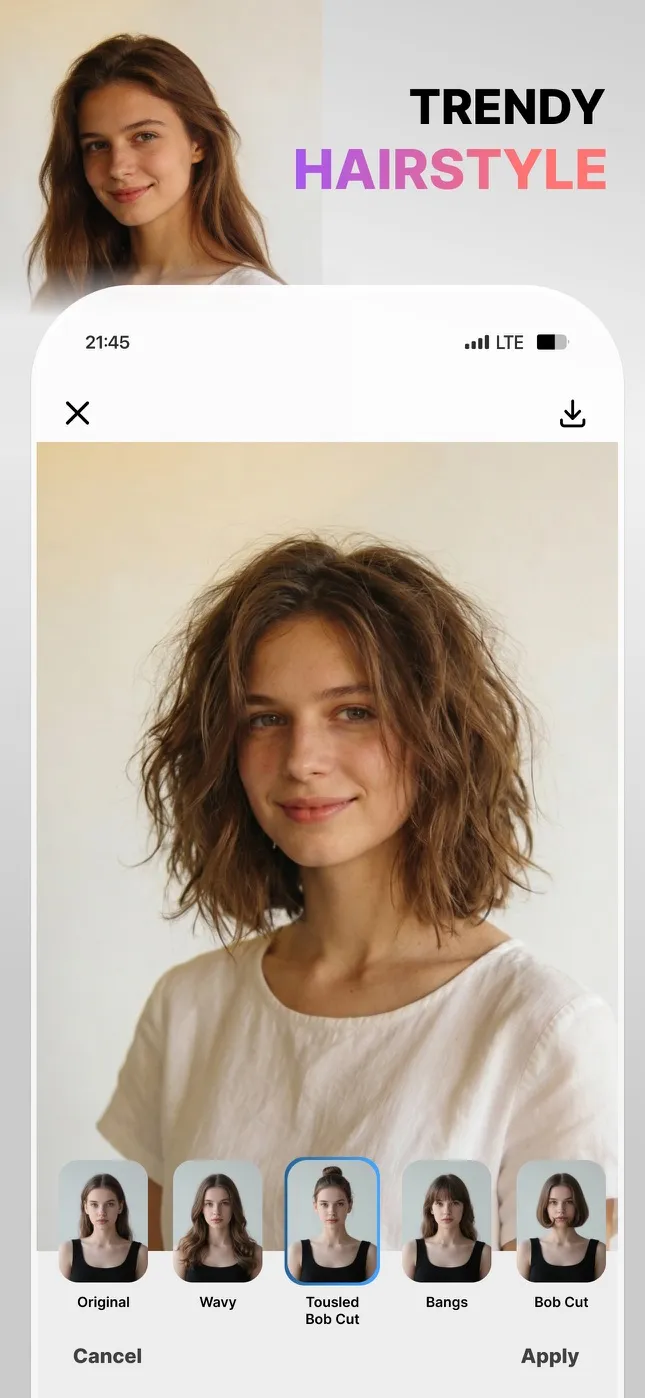
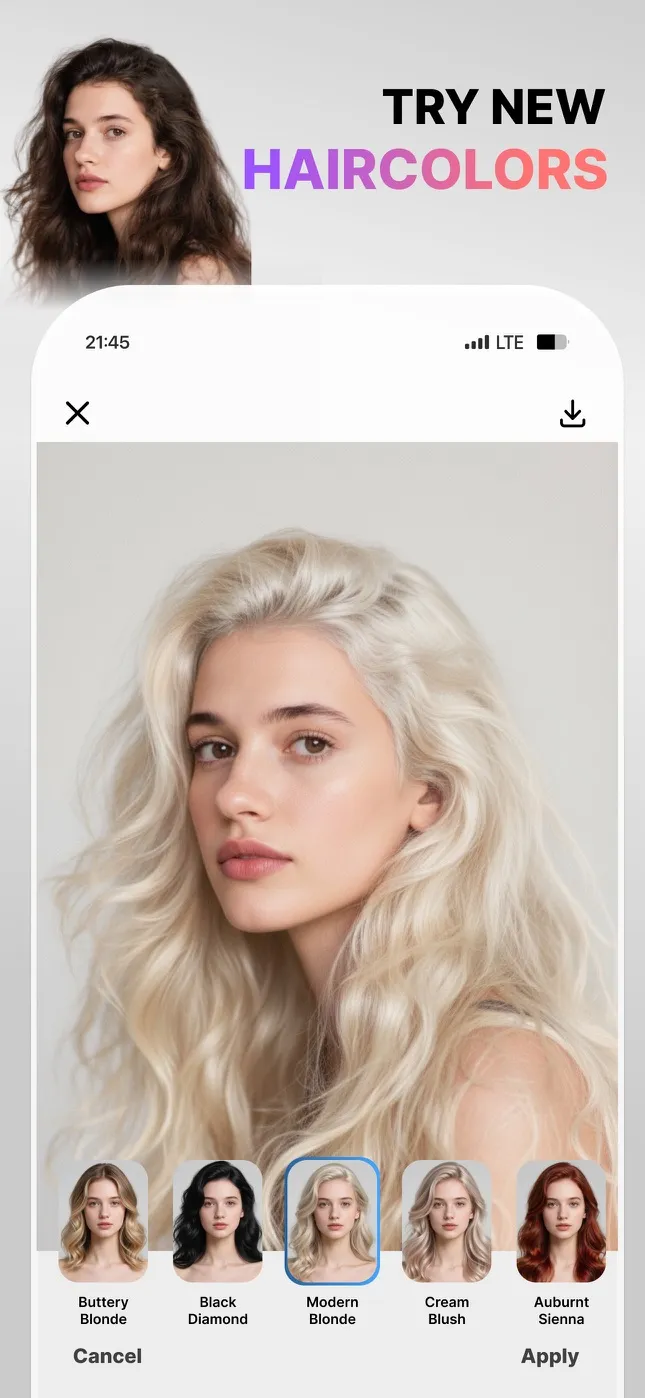
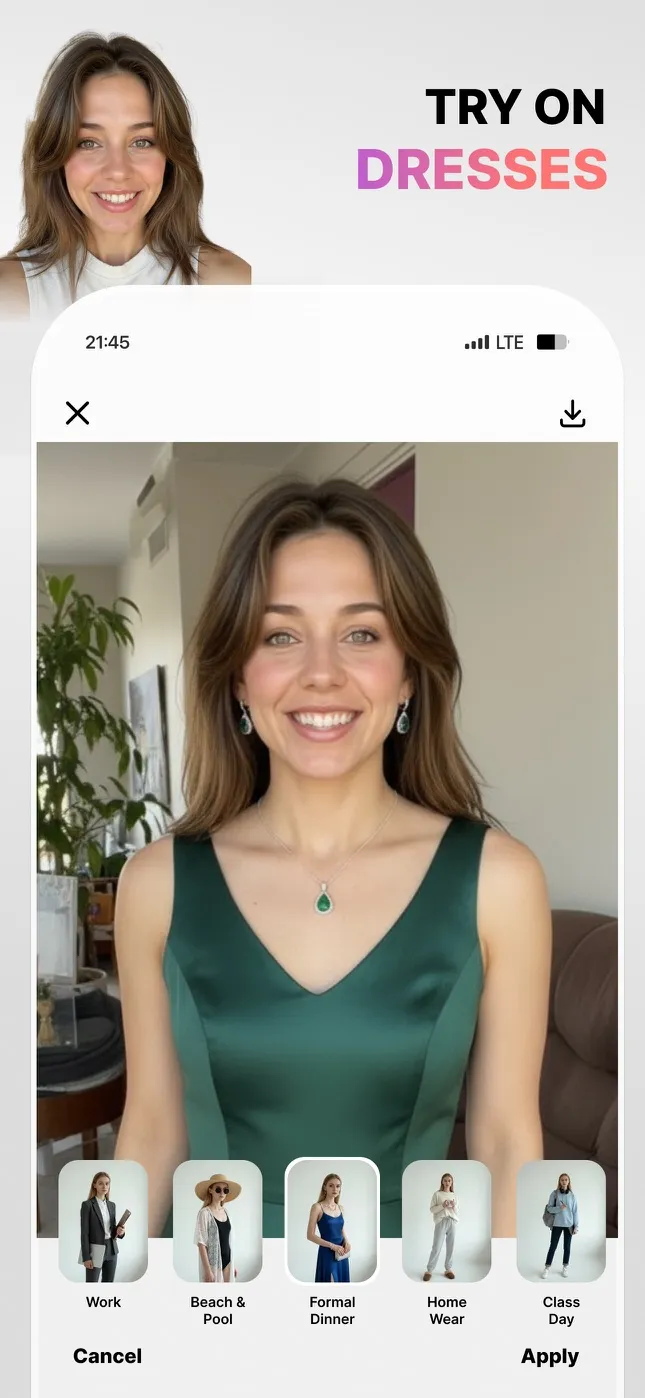
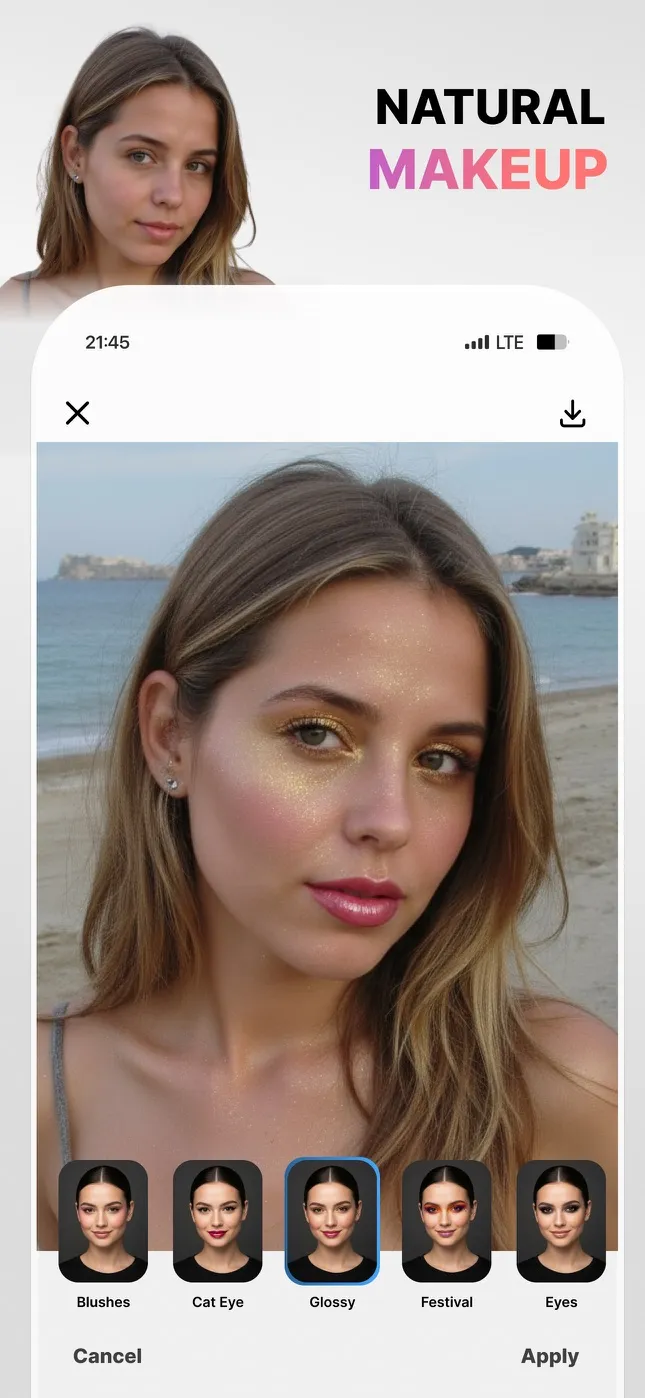
Try a new haircut, hair colour, outfit or makeup look on your own photo before you commit. Visio also turns everyday selfies into studio-style headshots and removes backgrounds in one tap.


01
Hairstyles
Try cuts from a pixie to long layers on your own face before you book the salon.
02
Hair colours
See platinum, copper or a soft balayage on your photo before you dye a single strand.
03
Outfits
Put dresses and outfits on your own photo to see how they look before you buy.
04
Makeup
Natural, glossy or bold: try makeup looks on your own face in one tap.
05
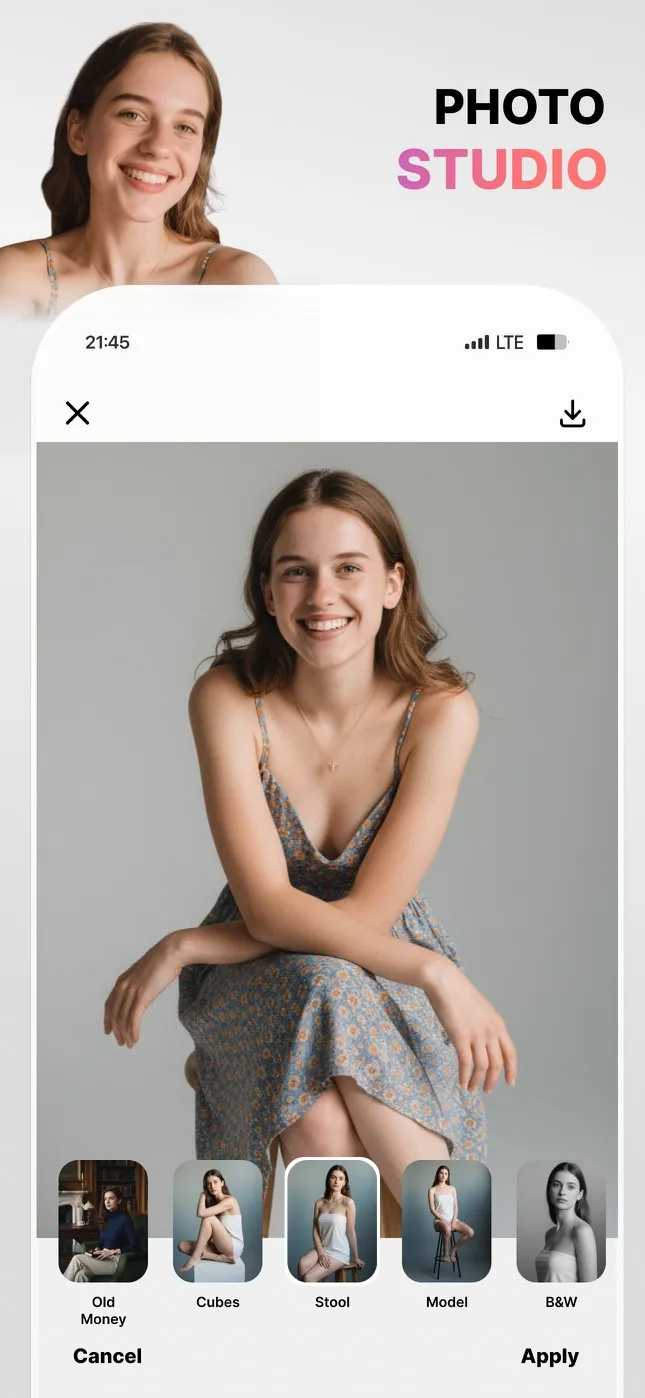
Photo studio
Studio backdrops and lighting for an everyday photo, no studio booking needed.
06
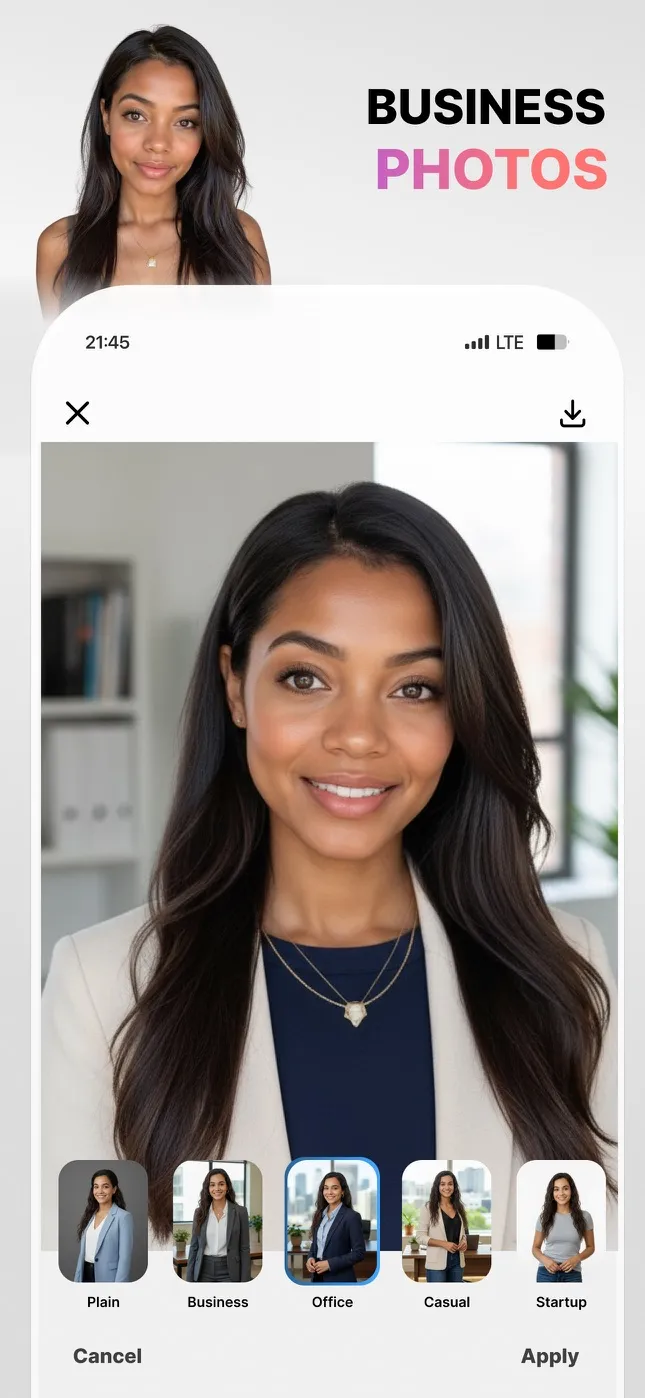
Headshots
Professional headshots for LinkedIn and work profiles, made from a selfie.


FaceCast · AI Baby Generator
Meet your future baby, just for fun.
01
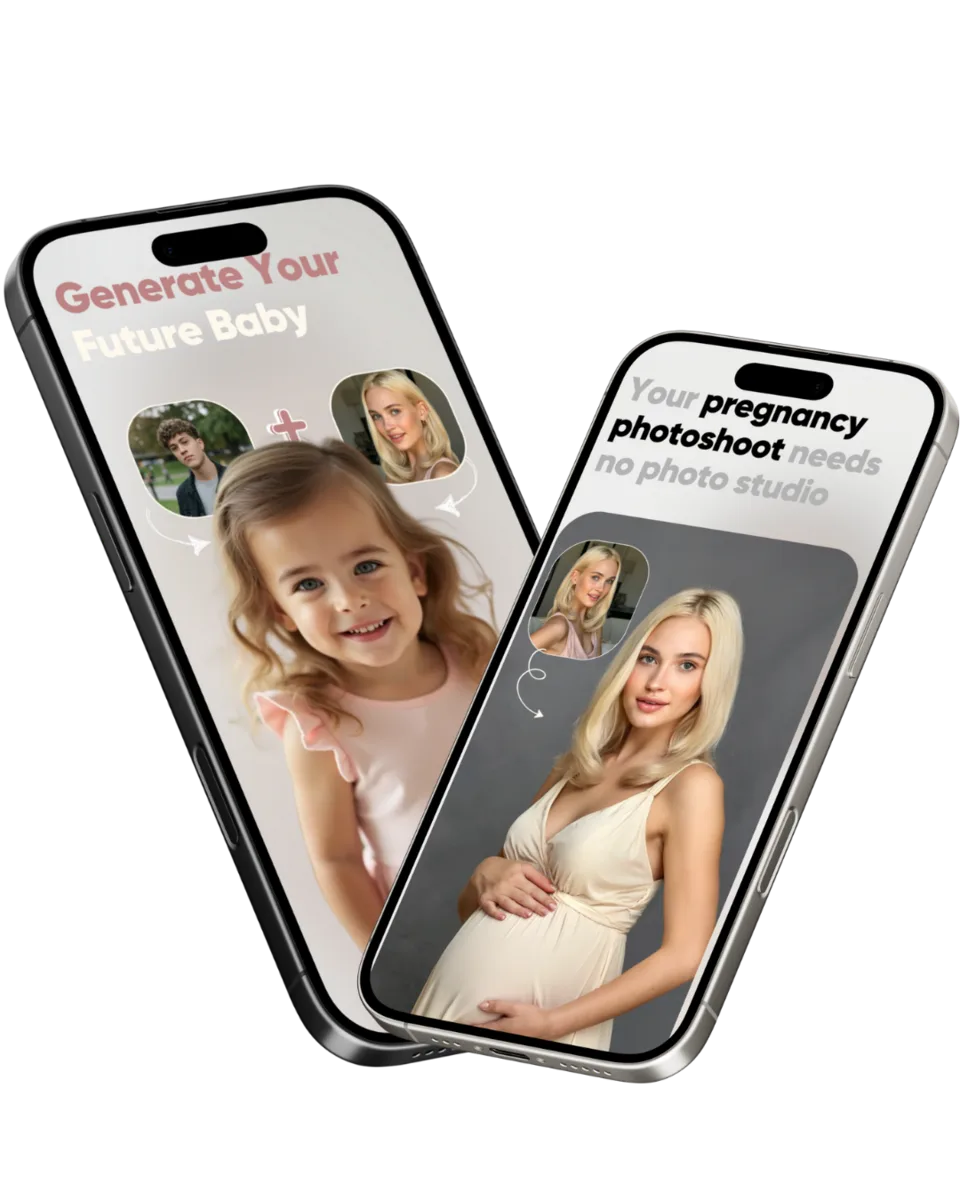
Baby prediction
A picture of your future baby from two parents' photos, plus maternity portraits. AI images made for fun, not a genetic prediction.
02
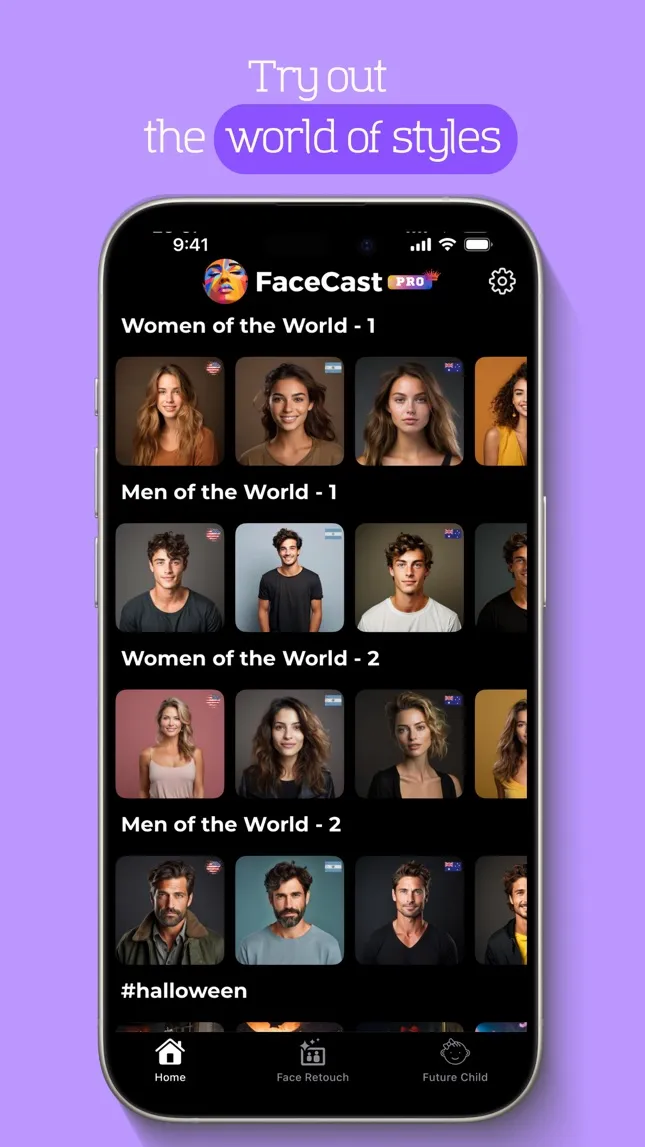
A world of styles
Restyle your photo with looks from around the world.
03
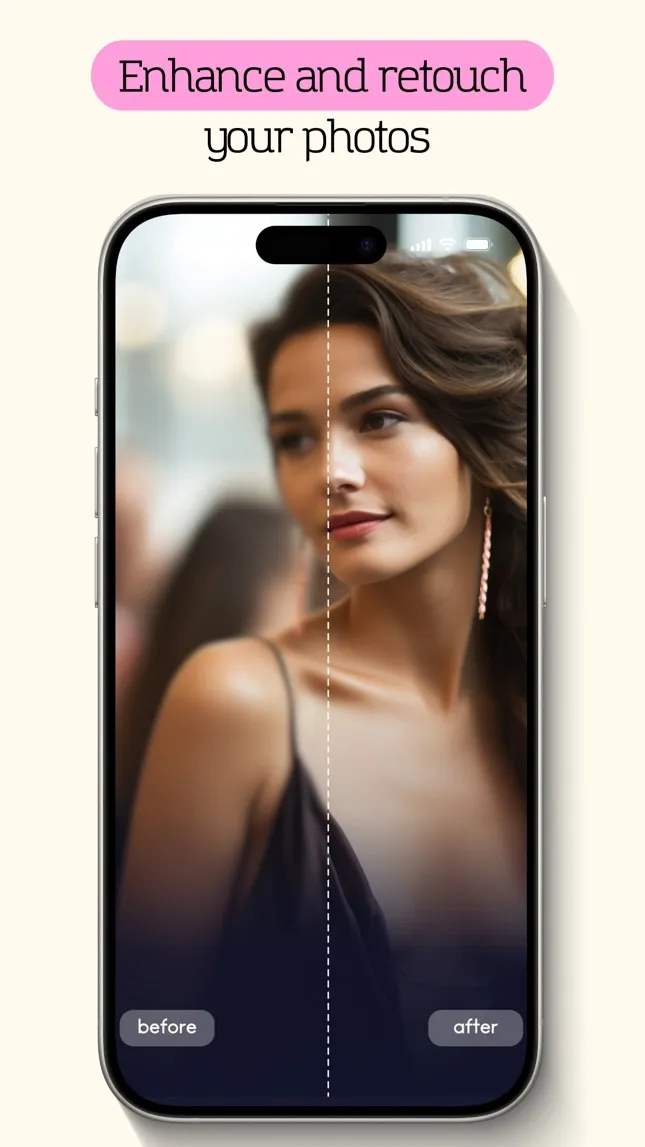
Enhance and retouch
Sharpen, smooth and retouch a photo with a before and after view.
04
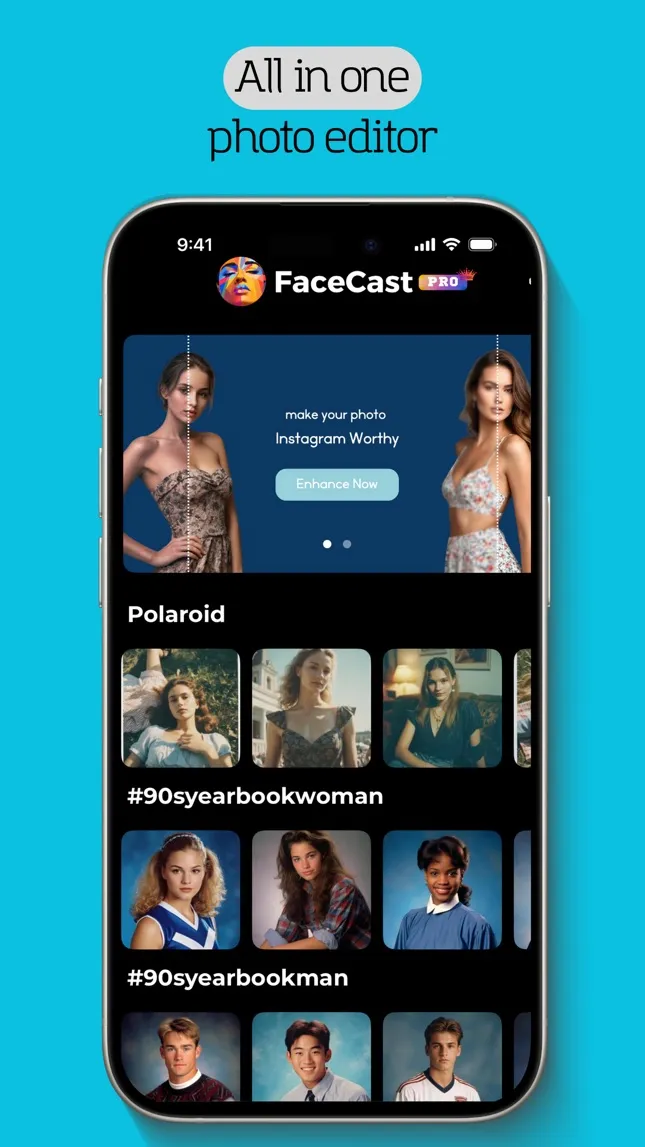
All-in-one editor
Filters, retouching and AI effects in one place.
05
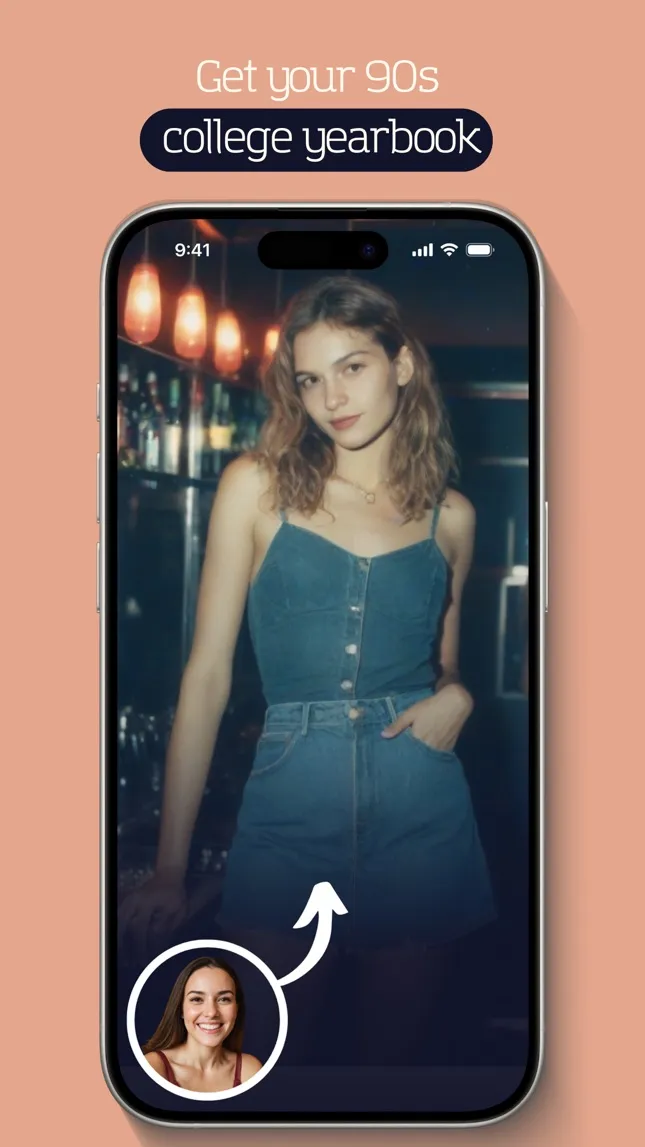
90s yearbook
Turn a selfie into a 90s college yearbook photo.

How we work
From research paper to one-tap result.

Research, then product
We follow computer-vision research closely and ship the methods that hold up, such as face-aware editing and image generation, as features anyone can use.

One tap, one result
Every app is built around a single result you can see in seconds: a new haircut, a baby portrait, a colourised family photo.

Made for many languages
We localise each app for the people using it. Visio is available in 31 languages and shutter in 50.

Privacy you can read
Each app has its own privacy policy that says what happens to your photos and how long they are kept.
Read the policies
Company
About Vision Labs
Vision Labs is an app studio in Ankara, Türkiye, that builds AI photo apps for iPhone and Android, including Visio and FaceCast.
Questions people ask about us
What is Vision Labs?
Vision Labs is an app studio in Ankara, Türkiye, founded in 2023. It builds AI photo apps for iPhone and Android, including Visio and FaceCast.
Which apps does Vision Labs make?
Visio, FaceCast, FaceToon, shutter, B&W Colorify and Pomoducko. All 6 are on the App Store; Visio, FaceCast and B&W Colorify are also on Google Play.
Is Visio by Vision Labs related to Microsoft Visio?
No. Visio by Vision Labs is an AI photo and face editor for iPhone and Android. It has no connection to Microsoft Visio, Microsoft's diagramming software.
Where can I read how my photos are handled?
Each app links to its privacy policy from its App Store and Google Play listing. The Vision Labs, Visio and FaceToon policies are also listed on this page under Privacy and legal.
How can I contact Vision Labs?
Email info@visionlabs.com.tr.
Building something with computer vision? Let's talk.
Partnerships, press, investment or help with one of our apps: write to us.